Ok… The wife would like me to write her a small app for her N8 christmas.(Ok… how hard can this be??)
I found the the SDK for Nokia on this link: http://www.developer.nokia.com/info/sw.nokia.com/id/da8df288-e615-443d-be5c-00c8a72435f8/Qt_SDK.html
Hm.. The site does not recogize that I’m using Linux and Pops up download version for Windows 32/62 as the default… (sloppy) (I chose the Linux 32 (offline).. (Why this one as oppose to the Linux 32(online)… Seems like a good idea at this point.
Alright… Yah.. Think they would have an obvious link to tell you what do to as far as the next step… But Nothing is really obvious on this page or any of the immediate links…. Googling turned this up.
http://www.developer.nokia.com/Community/Discussion/showthread.php?226359-Problem-installing-Qt-SDK-1.1.2-on-Ubuntu-32-bit
Ok… so I moved the file my download folder to my main user folder
and if you didn’t read that link your first inclination is to do something like this.
jonas@jonas5:~$ ./Qt_SDK_Lin32_offline_v1_1_4_en.run
bash: ./Qt_SDK_Lin32_offline_v1_1_4_en.run: Permission denied
jonas@jonas5:~$ sudo ./Qt_SDK_Lin32_offline_v1_1_4_en.run
sudo: ./Qt_SDK_Lin32_offline_v1_1_4_en.run: command not found
jonas@jonas5:~$
Whats going on here is an issue with the permissions…
jonas@jonas5:~$ ls -F Q* -l
-rw-r–r– 1 jonas jonas 1401234725 2011-12-20 01:15 Qt_SDK_Lin32_offline_v1_1_4_en.run
As the owner I can only read and write… I need to be able to execute also.
jonas@jonas5:~$ chmod u+x Qt_SDK_Lin32_offline_v1_1_4_en.run
jonas@jonas5:~$ ls -F Q* -l
-rwxr–r– 1 jonas jonas 1401234725 2011-12-20 01:15 Qt_SDK_Lin32_offline_v1_1_4_en.run*
jonas@jonas5:~$
jonas@jonas5:~$ ./Qt_SDK_Lin32_offline_v1_1_4_en.run
Try this and it should bring you joy.
If you want to bone up on linux file permissions heres a nice Link
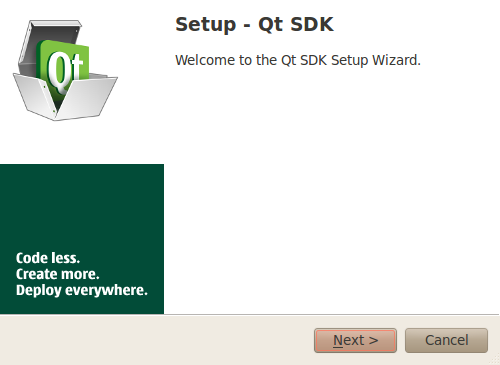
This should be the first screen that pops up.
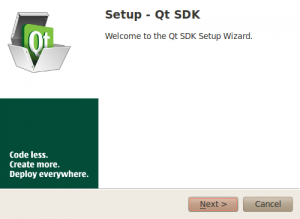
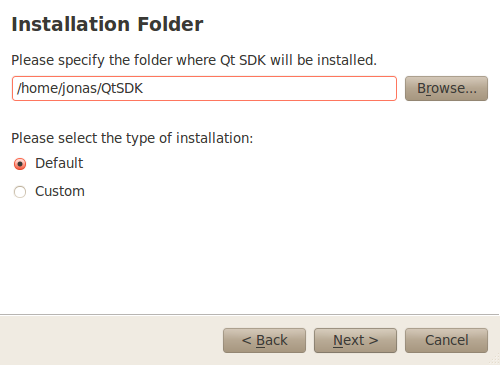
After clicking next I get this… (I wonder if I would have just ran it from the download directory if that path would have been correct or not).. I’m not that curious..
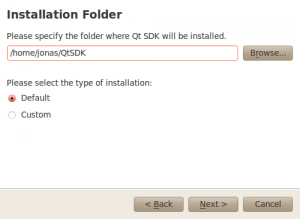
Ok… First Big… Decision here… Do I go custom or Default.. I’m half tempted to just go into the custom settings and click everything on. But… for this go around, I’m just going to go with default.
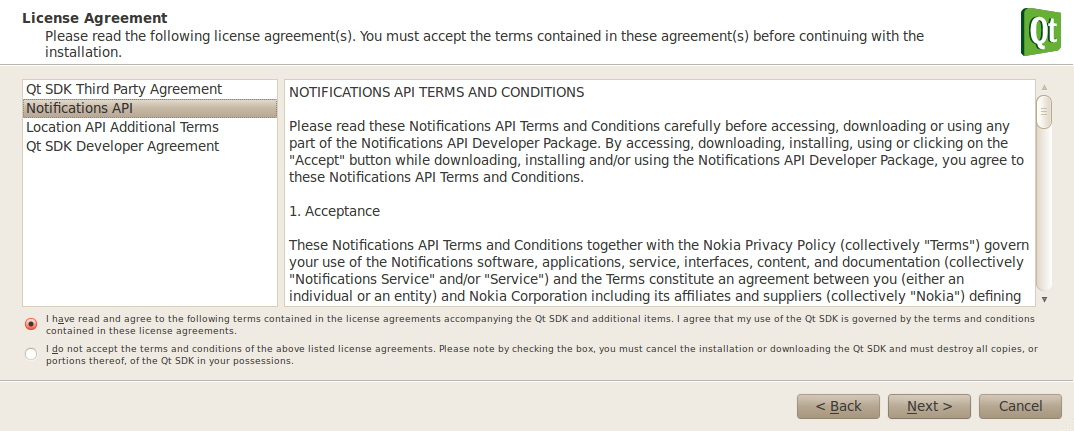
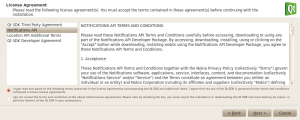
Ok… Next you get the T&C and you need to accept them.
The next screen has the install button as well as a show details… If you press the show details this is what you get.
Selected Component(s) without Dependencies
- com.nokia.ndk
- com.nokia.ndk.documentation
- com.nokia.ndk.documentation.harmattan
- com.nokia.ndk.documentation.qmake
- com.nokia.ndk.documentation.nokiaqtsdk
- com.nokia.ndk.documentation.simulator
- com.nokia.ndk.documentation.qtcreator
- com.nokia.ndk.documentation.qtmobility
- com.nokia.ndk.documentation.qt
- com.nokia.ndk.documentation.symbian
- com.nokia.ndk.api
- com.nokia.ndk.api.qtmobility.examples
- com.nokia.ndk.api.qtcomponents
- com.nokia.ndk.api.qtcomponents.documentation
- com.nokia.ndk.api.qtcomponents.examples
- com.nokia.ndk.api.qtcomponents.simulator
- com.nokia.ndk.api.qtcomponents.simulator.gcc
- com.nokia.ndk.api.qtcomponents.sis
- com.nokia.ndk.api.qtcomponents.desktop
- com.nokia.ndk.api.qtcomponents.desktop.gcc
- com.nokia.ndk.api.qtcomponents.demos
- com.nokia.ndk.api.ovinotifications
- com.nokia.ndk.api.ovinotifications.example
- com.nokia.ndk.tools
- com.nokia.ndk.tools.harmattan
- com.nokia.ndk.tools.harmattan.qtcomponents
- com.nokia.ndk.tools.qtcreator
- com.nokia.ndk.tools.simulator
- com.nokia.ndk.tools.simulator.application
- com.nokia.ndk.tools.desktop
- com.nokia.ndk.tools.desktop.474
- com.nokia.ndk.tools.sdkmaintenance
- com.nokia.ndk.misc
- com.nokia.ndk.misc.examples
Added as dependency for com.nokia.ndk.api.qtmobility.
- com.nokia.ndk.licenses.location
Component(s) that have resolved Dependencies
- com.nokia.ndk.api.qtmobility
Added as dependency for com.nokia.ndk.api.qtcomponents.designer.
- com.nokia.ndk.tools.qtcreator.application
Component(s) that have resolved Dependencies
- com.nokia.ndk.api.qtcomponents.designer
- com.nokia.ndk.api.ovinotifications.developmentfiles
- com.nokia.ndk.api.ovinotifications.documentation
Added as dependency for com.nokia.ndk.tools.harmattan.sysroot.
- com.nokia.ndk.tools.madde.qemu.system
Added as dependency for com.nokia.ndk.tools.madde.toolchains.2009q367.
- com.nokia.ndk.tools.madde.application
Added as dependency for com.nokia.ndk.tools.harmattan.sysroot.
- com.nokia.ndk.tools.madde.toolchains.2009q367
- com.nokia.ndk.tools.madde.qttools.474
Component(s) that have resolved Dependencies
- com.nokia.ndk.tools.harmattan.sysroot
- com.nokia.ndk.tools.harmattan.qtcomponents.desktop
- com.nokia.ndk.tools.harmattan.qtcomponents.simulator
- com.nokia.ndk.tools.qtcreator.gdb
Added as dependency for com.nokia.ndk.tools.symbian.sis.
- com.nokia.ndk.licenses.nokia
Component(s) that have resolved Dependencies
- com.nokia.ndk.tools.symbian.sis
Component(s) added as automatic dependencies
- com.nokia.ndk.api.ovinotifications.simulator
- com.nokia.ndk.tools.simulator.qtgcc
- com.nokia.ndk.tools.desktop.474.gcc
- com.nokia.ndk.misc.examples.47
- com.nokia.ndk.api.qtmobility.simulatorgcc
- com.nokia.ndk.api.ovinotifications.simulator.gcc
- com.nokia.ndk.tools.simulator.qtgcc.qmldump
- com.nokia.ndk.tools.desktop.474.gcc.qmldump
The moment of truth….
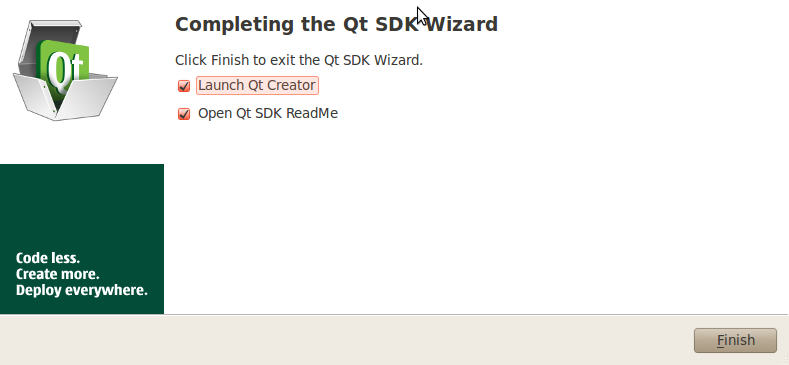
After installing I clicking next I get:
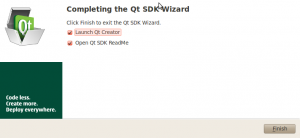
When you click finished a webrowser pops up as well as Qt Creator.
Ok… That’s a bunch of reading and studying I’m going to need to do, but this all looks promising…
The wife wants a custom low battery operation… scannig through the documentation I’m finding a few thngs that are a little disconcerting if I want to do this developement in Linux.. Her N8 runs Symbian… and here are a couple of things that I found.
- “Symbian tool chains for developing applications for Symbian devices (only available on Windows)”
- “Utility applications, such as Nokia Energy Profiler and Nokia Performance Manager, example applications, and demos, that you can install on Symbian devices (only available on Windows)”
- “Nokia Smart Installer for Symbian that makes it easier for users to install Qt applications to Symbian phones by checking whether the device contains the necessary software and by installing the missing pieces. This helps keep the size of the installation package down (only available on Windows)”
I’m thinking… that I”ll have much less pain if I do this in Windows… But I’ll at least try a test spin in Linux..
Apparently, you can still do some development on Linux for Symbian by using the remote compiler for building… I found some info here: http://doc.qt.nokia.com/qtcreator-snapshot/creator-remote-compiler.html