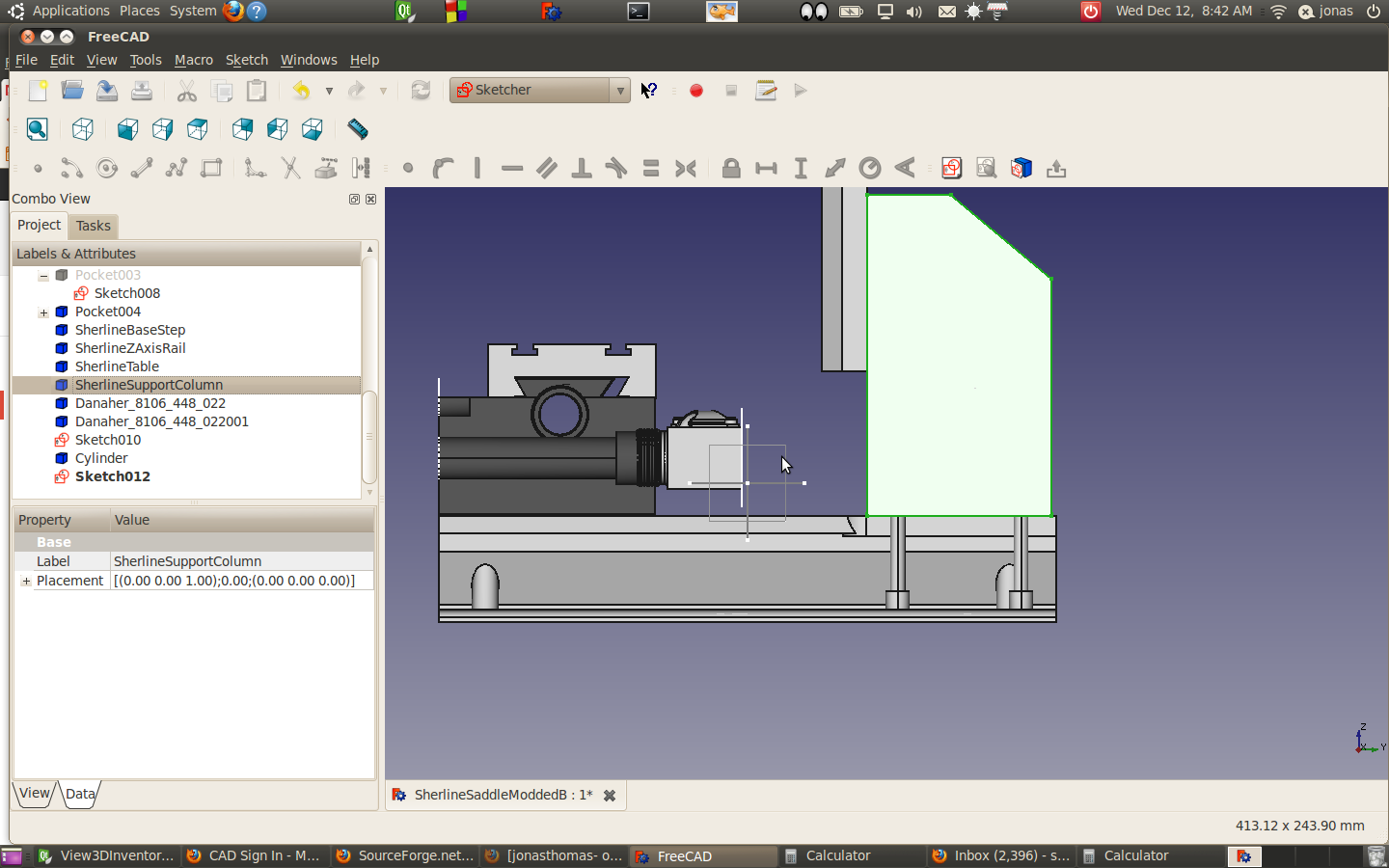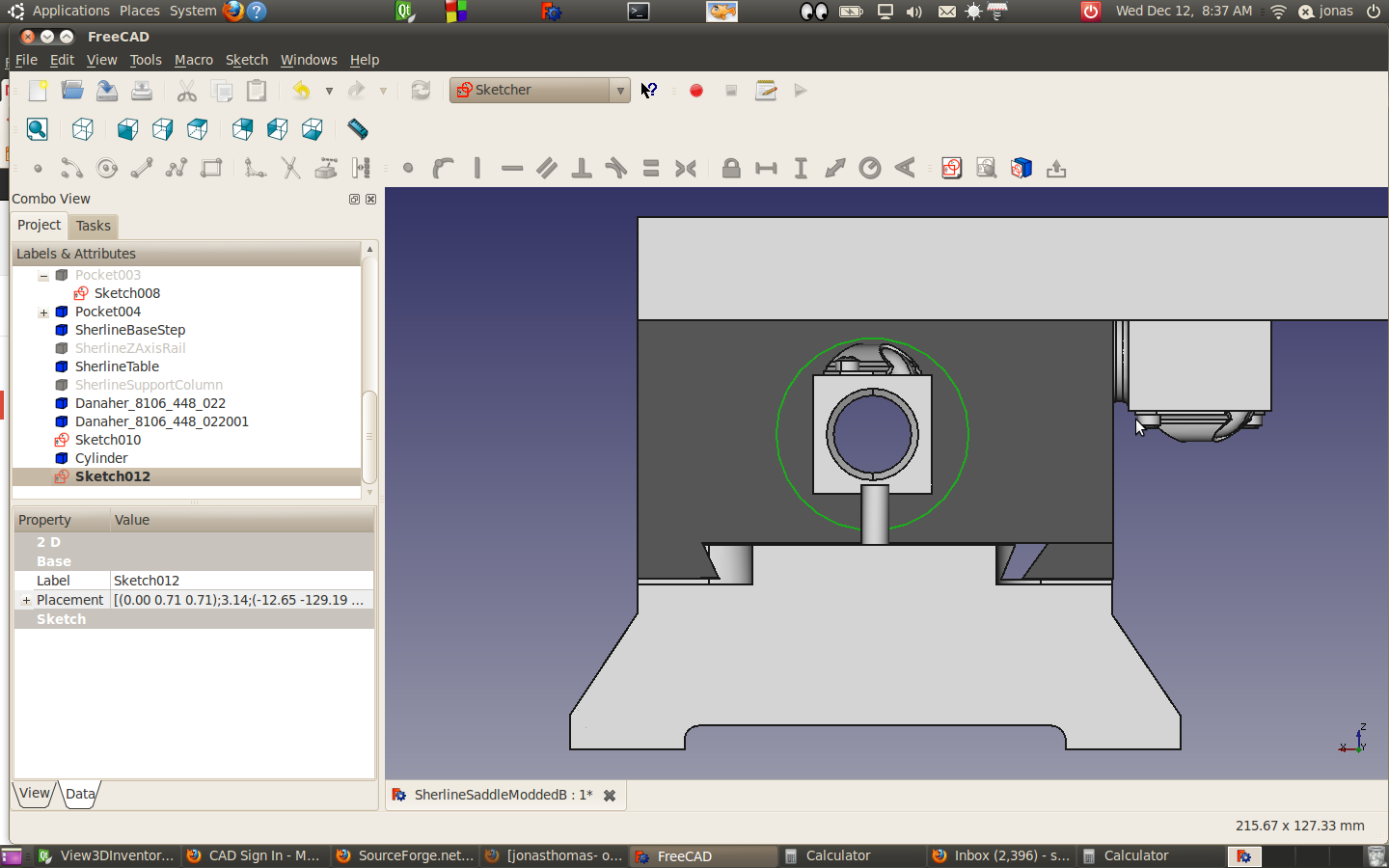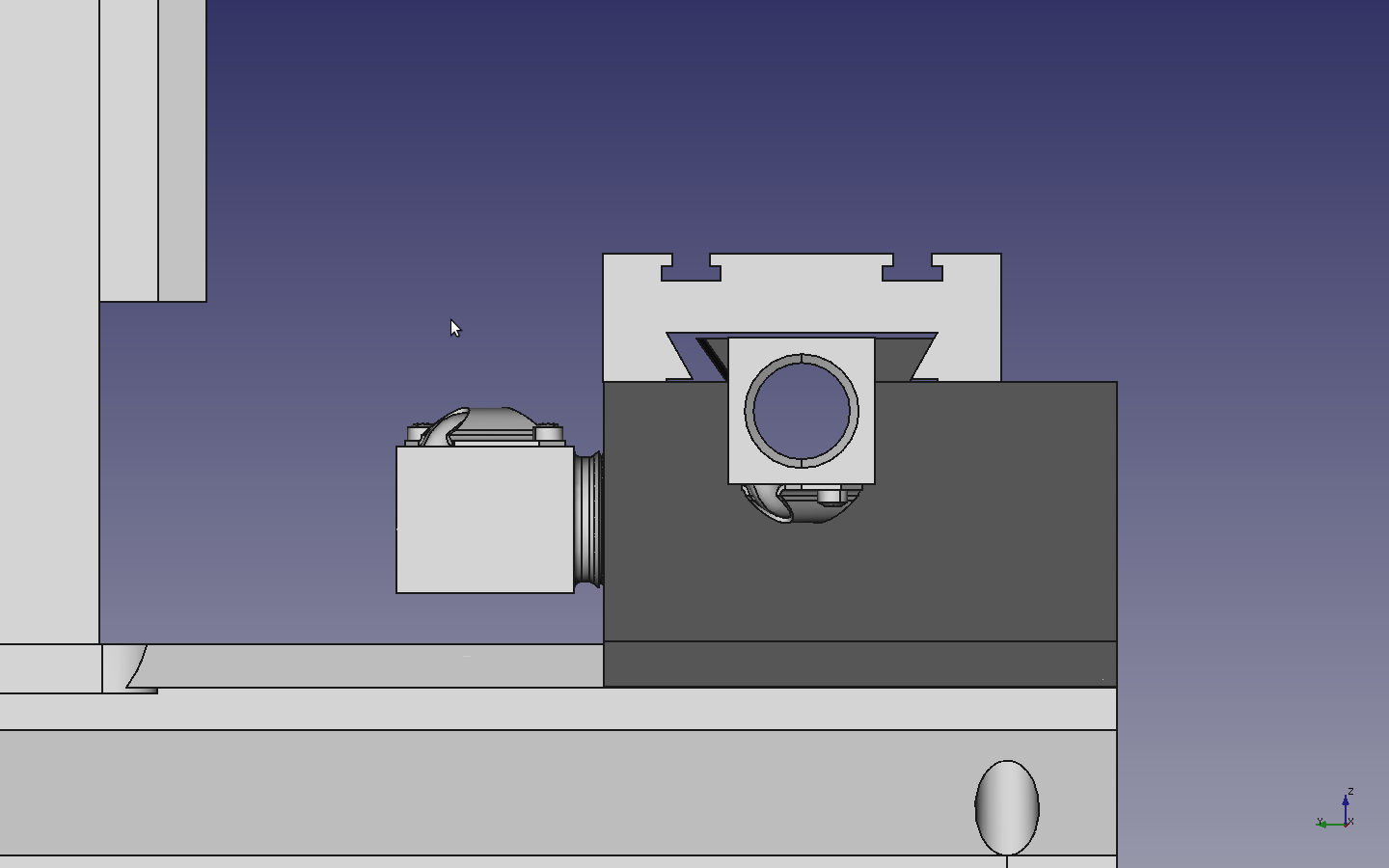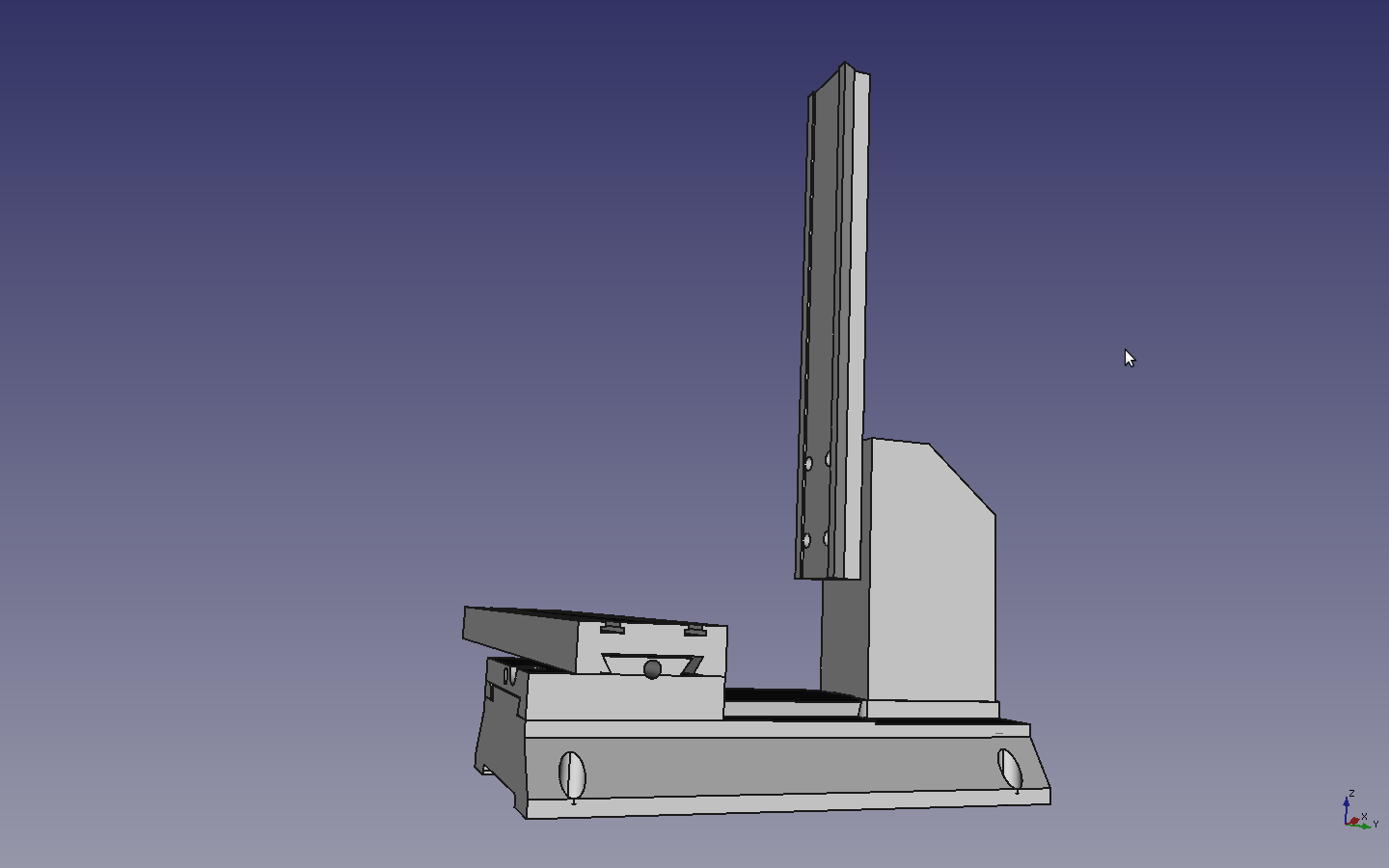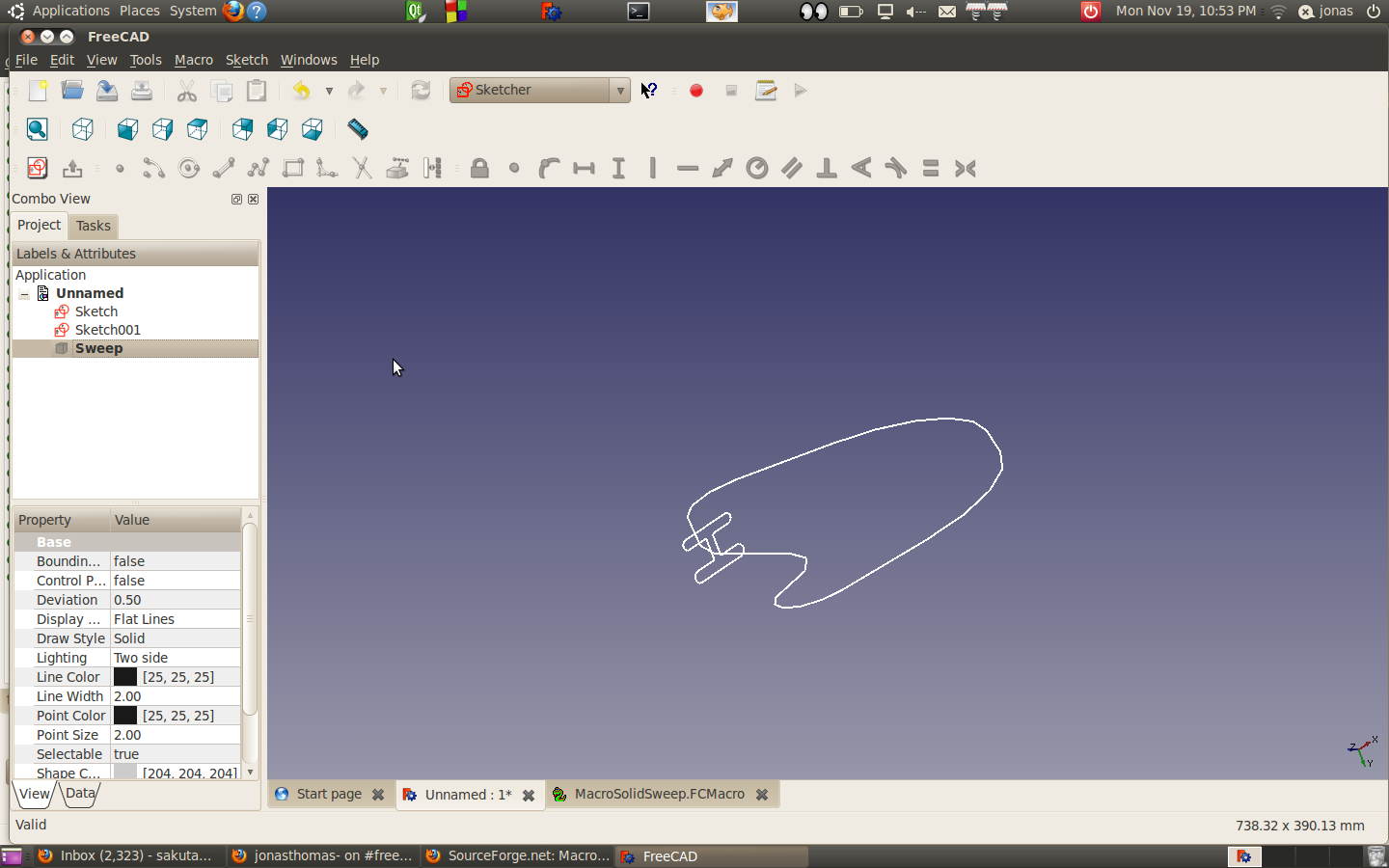
Some Little tweaks.

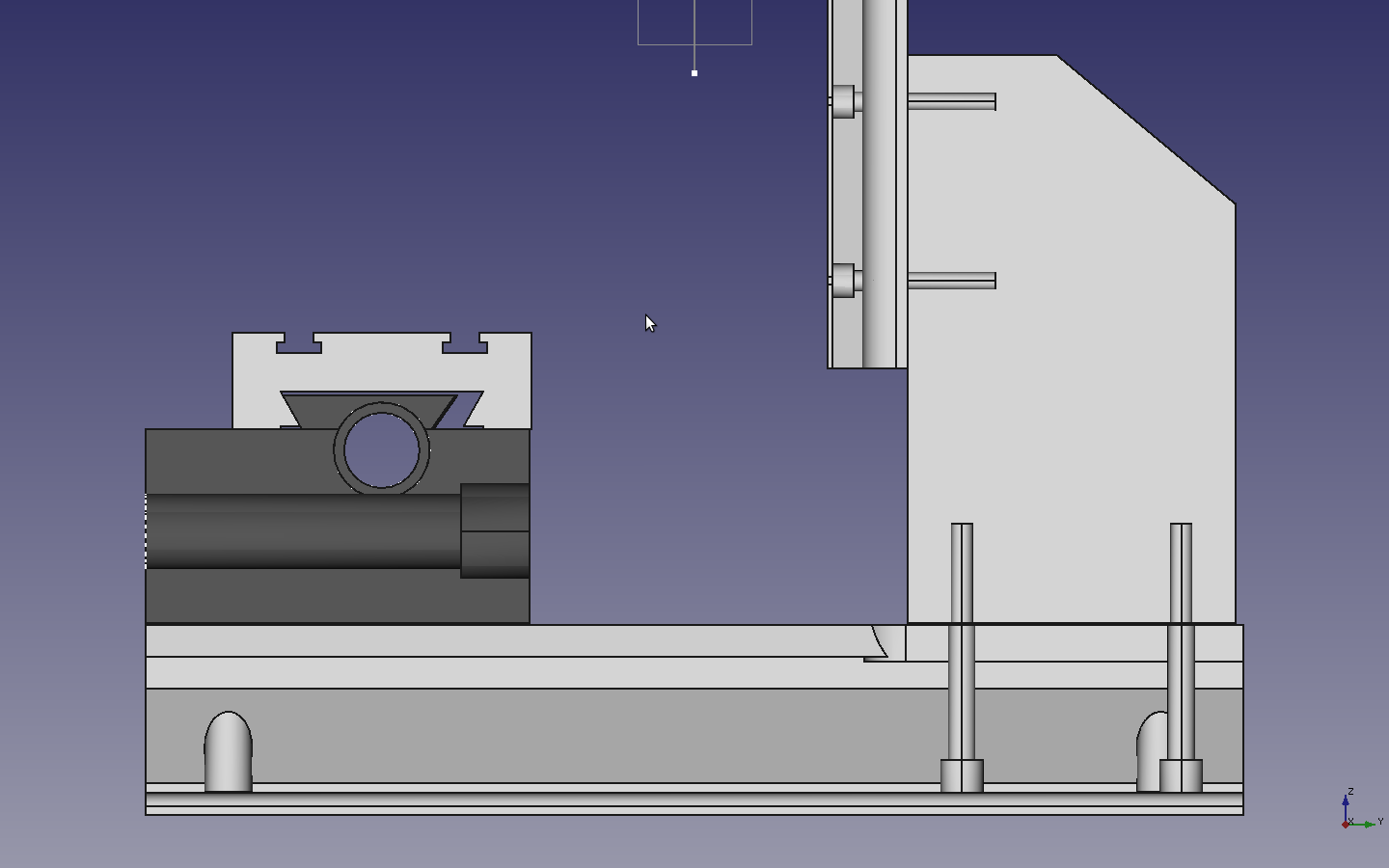
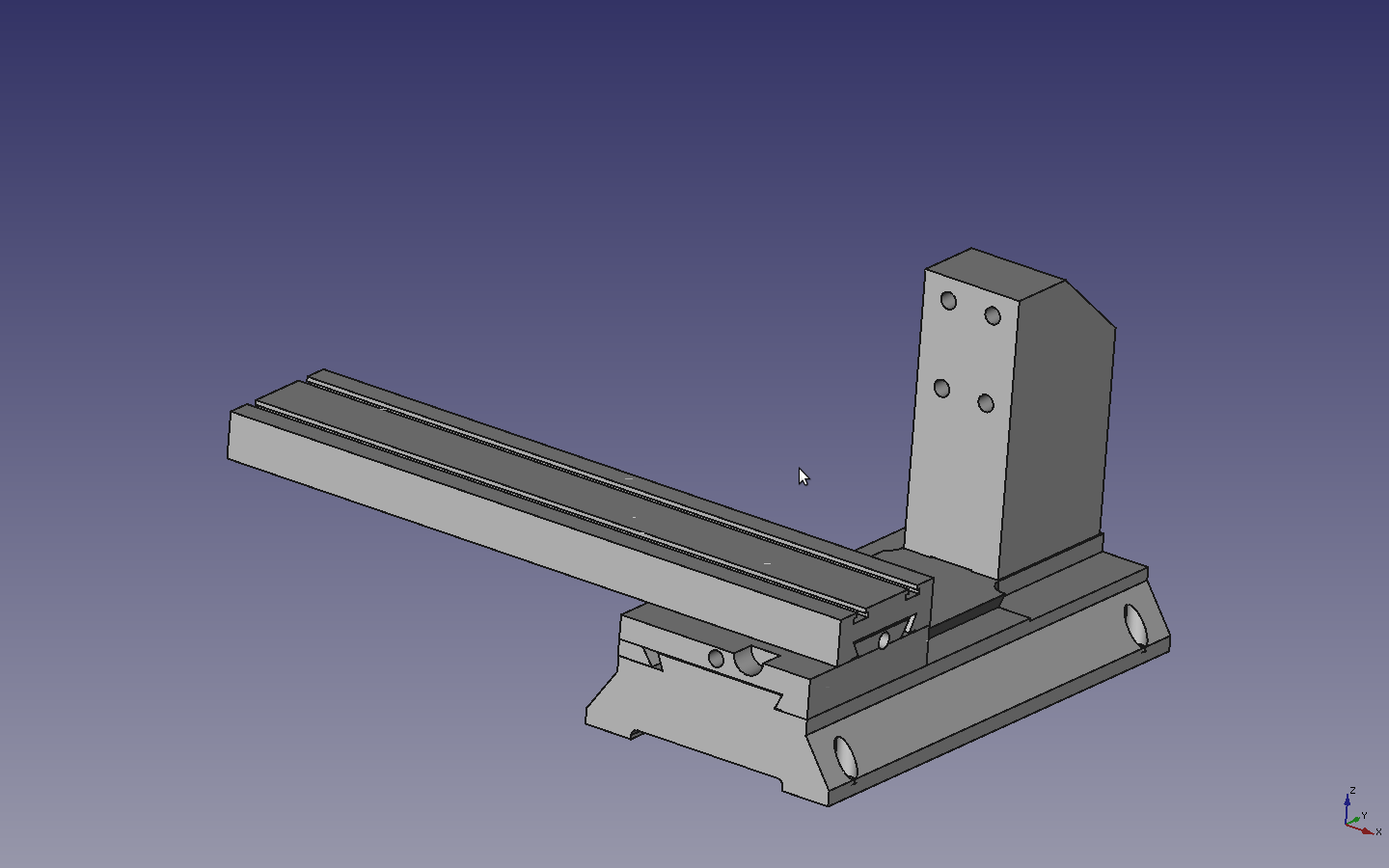
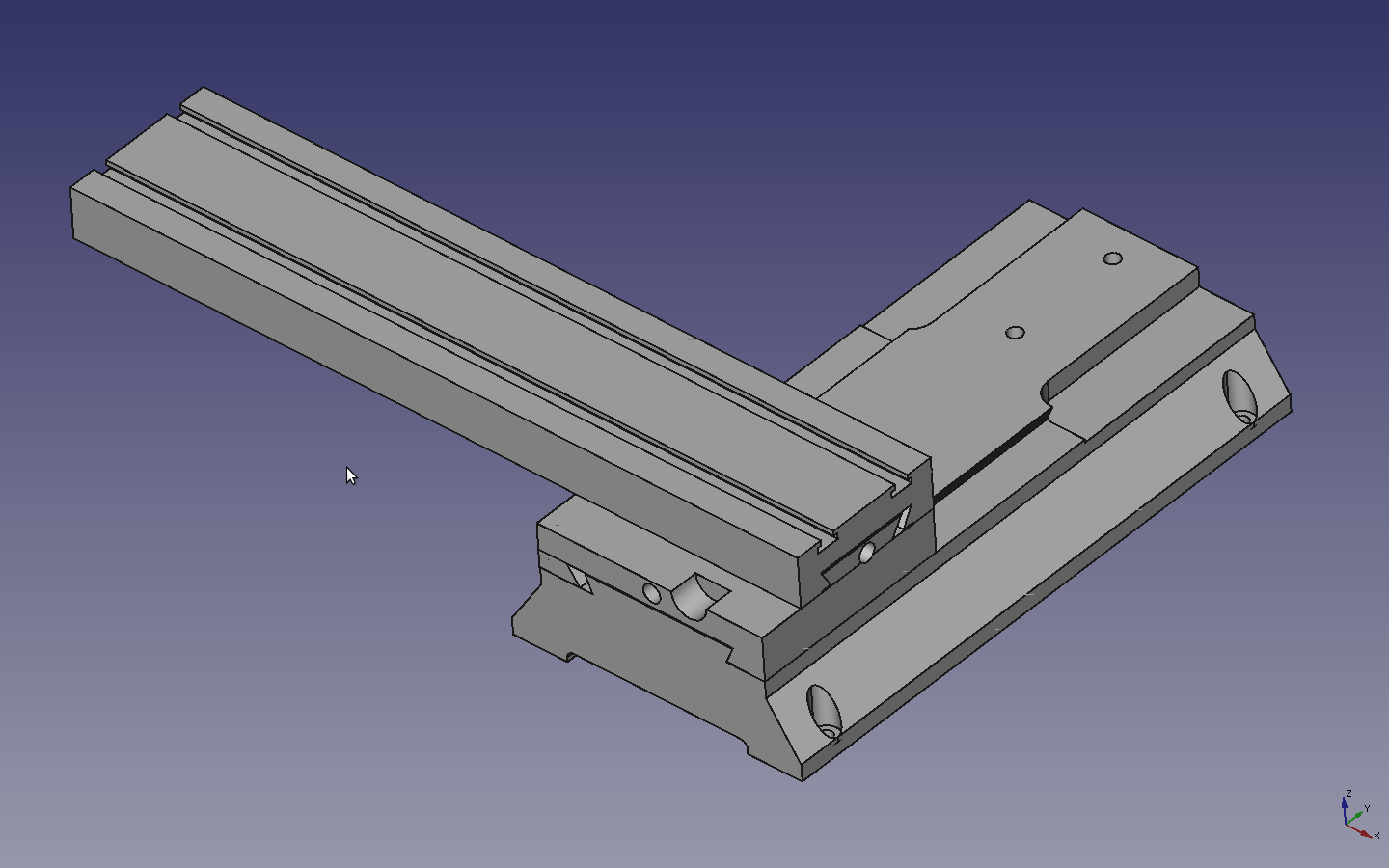
Ok.. Nothing too interesting..  I tried some freecad utilities for the first time, placement and alignment.  I had some issues with alignment.   I was trying to use it to align my table to the saddle.  It wasn’t really working for me.   I increased the saddle height slightly, moved the x-axis ball nut to clear the tapered gib.
I think I’m going to need some more holes to the base to attache the support column.

Posted in Uncategorized | 2 Comments

Getting solid models of my ball nuts.

[Edit I was looking at my 7820827 ball nut and comparing it to the 8106-448-022 solid I downloaded.. It seems that the wall thickness is not uniform. The side with the return tubes appears thinner than the opposite side.]

My Mcmaster ball screws where made by Thomson and have a part number 7820827.
I was searching around for some 3d models and I found one on the Reid sight which match the part number, but unfortunately, something got hosed up in the registration so I couldn’t get the file.
I was looking at the Thomson site and I found the partnumber 8106-448-022 seems to be equivalent as far as it’s envelope.  Looking at a Thomson catalog I downloaded seems the difference is in the major  screw dia:

8106-448-022 (0.610)
7820827 ( 0.620)

I did see one small difference.  The 8106-448-022 shows a cross-hole hole in the thread and the part I have has a flat.

Placing the ball screws help alot.   Currently I have the saddle height at 2.375.   I was thinking that I could get by using the original base support so I was shrinking the saddle height.   I have ~2.52 inchs of height on raw material available.    The bolts that screw into the base column go in 1/2.   I need to model that to see if I’m going to hit the “Y” axis lead screw.


I think I’m going to move the x-axis Ball nut a bit also, since I might hit the tapered gib.
If I have clearance I might drop it down a bit also.


Posted in Uncategorized | Leave a comment

Contemplating the next step on the Sherline Mill CNC retrofit.

I would say that I have partially accomplished one of my goals, insofar as that I’ve gotten a little Freecad practise under my belt. Freecad has come a long way, and still has a ways to go, but from my perspective, I found modelling the Sherline in Freecad to me more relaxing than frustrating. There’s a few hiccups in the software that broke the mood but it’s not too bad.

The Sherline that I measured and modeled was obtained in barter.   It was originally a manual machine with a  shoddy CNC conversion done by a third party. Outside of some misc dings, the ways seem to be lightly used.  As discussed previously the CNC adaptation of the bearing arrangement is just slock.

The Sherline leadscrew arrangement is cost effective for manual mill.  The older style mill with I have, has a backlash adjustment that’s sort of pain to set.  The new design is actually quite nice.  Unfortunately, I think it would probably be a pain to retrofit.

Sherlines Stepper motor mounts  are designed for 200 step Nema 23 motors which seems to match  my D&M motors as well.

I think I need to do a little cost comparison here..  I just want to compare the cost of getting my mill upgraded with using Sherline components, versus what it would run me on buying the ball screw parts and other parts.

The Sherline sight is not the most friendly sight to move around in.  Here is a link to the motor mount installation.

It appears have a Model 5000, so I would need the P/N 6700 retro kit.

P/N inch/metric NAME WT. PRICE
6700/6710 CNC Upgrade Kit, 5000-series Mills 2.5 lb. $250.00

——

50171

LEADSCREW, X-AXIS, CNC (Inch)

18.00

50161

LEAD SCREW, “Y” AXIS, CNC (Inch) 12.00


I was doing some research and I ran across some nice links on conversion that I wanted to look at in more detail.

http://www.cnczone.com/forums/benchtop_machines/122462-pm-45_cnc_conversion_rf45-7.htm

http://www.prototrains.com/shermill/mill.jpg

So if wanted use some 5/8 ball screws
Needs to be reballed. http://groups.yahoo.com/group/CAD_CAM_EDM_DRO/message/86634

Products

Line Quantity Product Ships Unit price Total
1 1 pack 9528K11 Bearing Quality E52100 Alloy Steel Ball 1/8″ Diameter, Grade 25, packs of 100 in the morning $2.90 pack 2.90
2 1 each 5966K26 Ball Screw 5/8″ Dia, 13/64″ Lead, 2′ Length in the morning $37.30 each 37.30
3 1 each 5966K26 Ball Screw 5/8″ Dia, 13/64″ Lead, 1′ Length in the morning $18.65 each 18.65
4 3 each 5966K16 Ball Nut, 5/8″ Dia, 13/64″ Lead, 778lb Load Cap, Square in the morning $29.90 each 89.70
Merchandise total $148.55

Ok… good enough for the preliminary cost analysis… I have material already to make a modified saddle and support base plus I really want to put ball screws on this. Hopefully, I won’t go way over the cost of a Sherline retrofit.   So I have  a ~130 bucks to play with, before this becomes a really dumb idea.   I ordered ball screws from Mcmaster and they were there the next day..  The labor portion is being written off against learning experience.  (Thats a nice thing about a hobby)
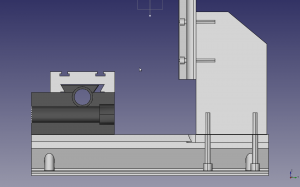
To get this to work, I think I’m going to basically need to do two major modifications.  I need to make the saddle much thicker, so I can get the 5/8 shafts to go through the saddle,  I’m thinking I’m just going to have the ball screw nuts screw into the saddle.  I think I’m going to have make a new support column that’s a little taller and drill a hole to run the screw through it and mount the motor on the back of the column.

This is just a preliminary attempt at modifying the saddle.  As you can see there are some issues..   But it’s a start.

 

Posted in Uncategorized | Leave a comment

D3 Stopped working on Ubuntu 10.04 Firefox Ver 17.0

I just got done vacuuming the heat exchanger in the fridge and the drier vent as part of the periodic maintenance.  Anyway my tiddly wiki won’t save all of a sudden which sort of sucks…   Anyway I think I have a hint of what to do here. http://gqshen.com/archives/445

Anyway.. Don’t have time to deal with this at the moment.

This is the message I got.

It’s not possible to save changes. Possible reasons include:
– your browser doesn’t support saving (Firefox, Internet Explorer, Safari and Opera all work if properly configured)
– the pathname to your TiddlyWiki file contains illegal characters
– the TiddlyWiki HTML file has been moved or renamed

So it appears that there is a plug-in called tiddly-fox that fixes all this.   Just installed it.

Posted in Uncategorized | Leave a comment

Freecad Critter

[edit 12-1-12] After some code adjustments and I slight change I was able to keep moving forward.

* 77c4da5 Sketcher: reenable directional autoconstraints
* 90a7787 Add DXF export of Drawing module to export command
* afcaa8b Sketcher: Implement symmetry with respect to a point constraint, aka m
* b6eec06 Sketcher: Support auto-constraints with root cross elements and swap a
Instead of deleting the constraints individual and then the object, I deleted the object, saved closed the file and reopened.  Also, instead of circles, I just used some points.
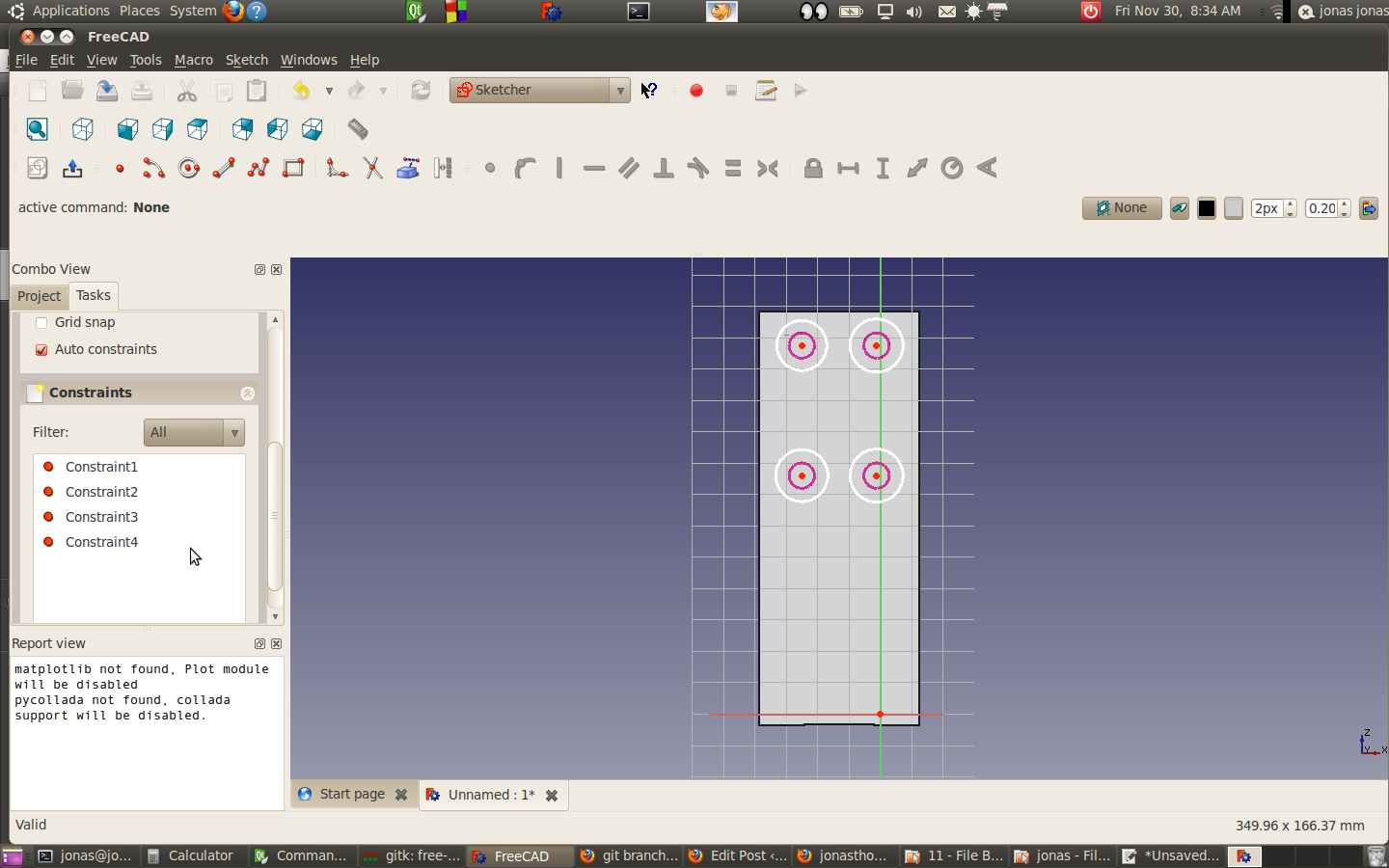
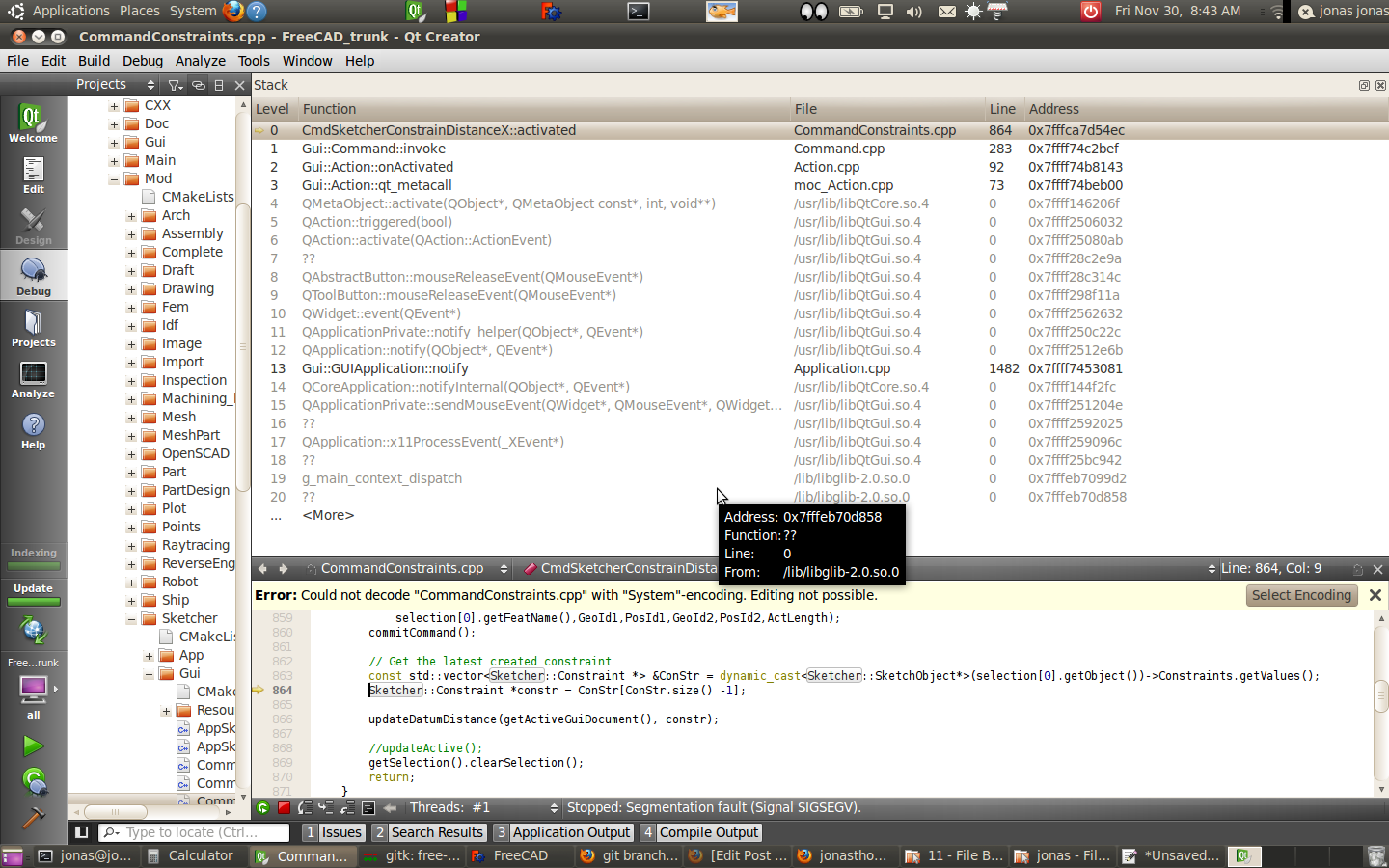
There are still some critters in there with when individual constraints are deleted.  But at least I can keep moving forward here.


jonas@jonas-laptop:~/freecad/free-cad$ git log –oneline –graph –all
* afcaa8b Sketcher: Implement symmetry with respect to a point constraint, aka midpoint constraint
* b6eec06 Sketcher: Support auto-constraints with root cross elements and swap axes colors
* 6d9539f 0000894: Invert mouse Zoom for CAD mouse model
* 98c2c18 Remove Svg prefix from enum type
* 5511748 Sketcher: Add root point by default Replace all Vertex ids with Geo,Pos id pairs in CommandConstraints
* 56e352c Define closeDialog() method in Control as slot to allow delayed destruction of task dialogs
*


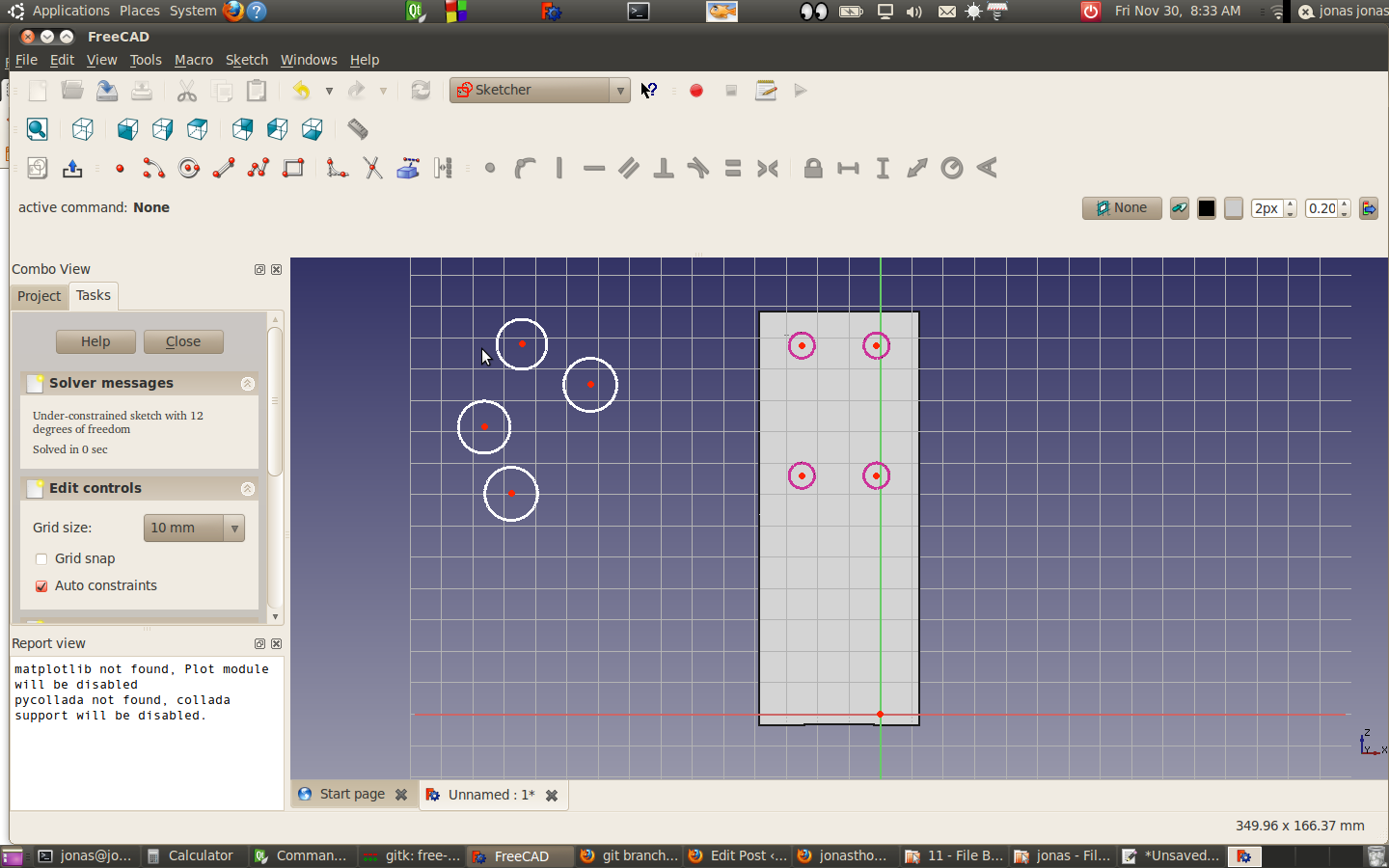
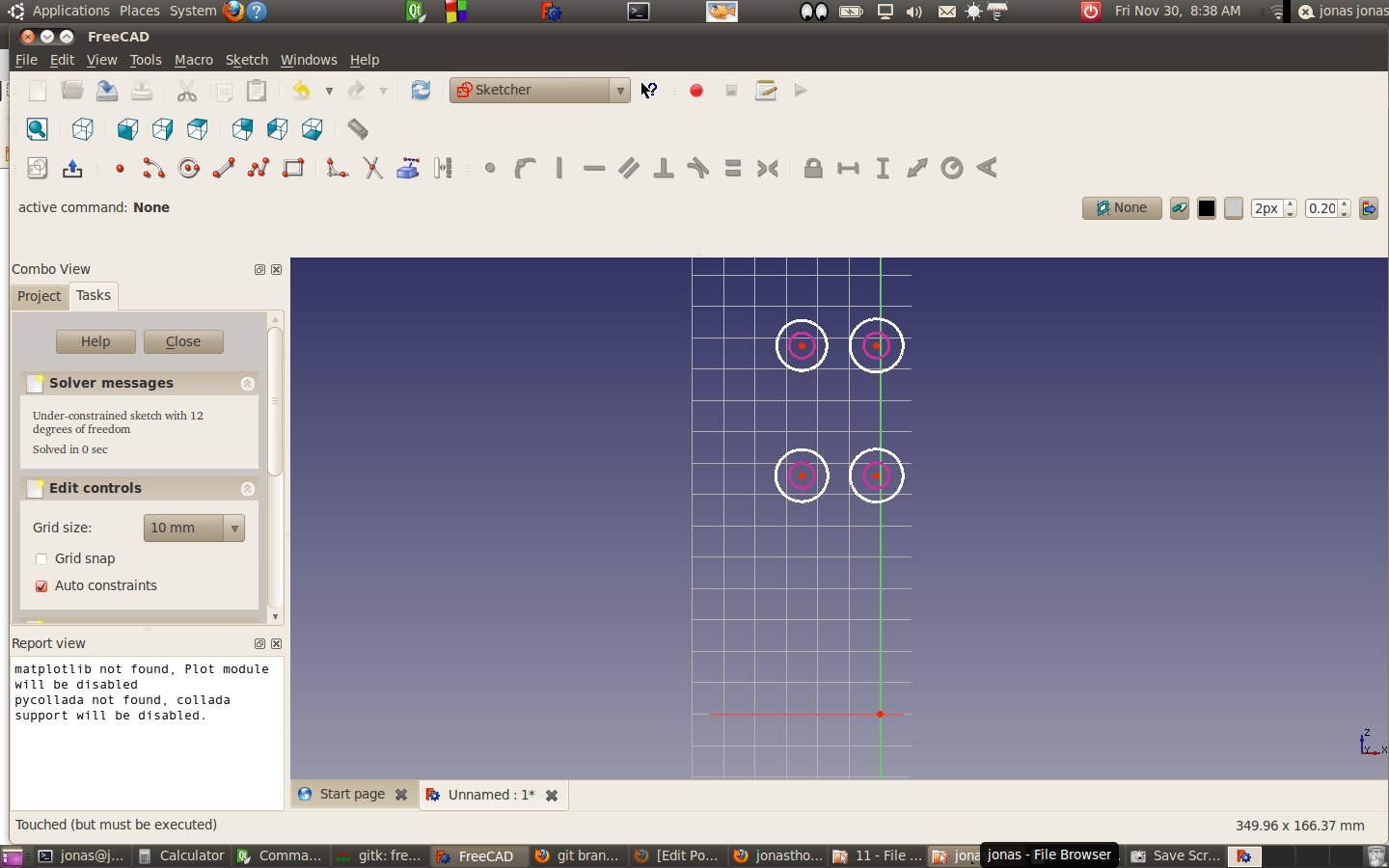
I was trying to orientate the z-axis rail to the base with a technique that’s been working but something appears to be broke.  Here’s what I did.

  1. Imported a step file of the Sherline support column (Works fine) File can be found here:
    Select Sketcher workbench, shift-left click surface where the z-axis rail mounts to base and create sketch  (Works fine)
  2. Create 4 external links to the bores in the support column where the rail attaches  (Works fine)
  3. Randomly draw 4 circles on the sketch not constrained to anything(Works fine)
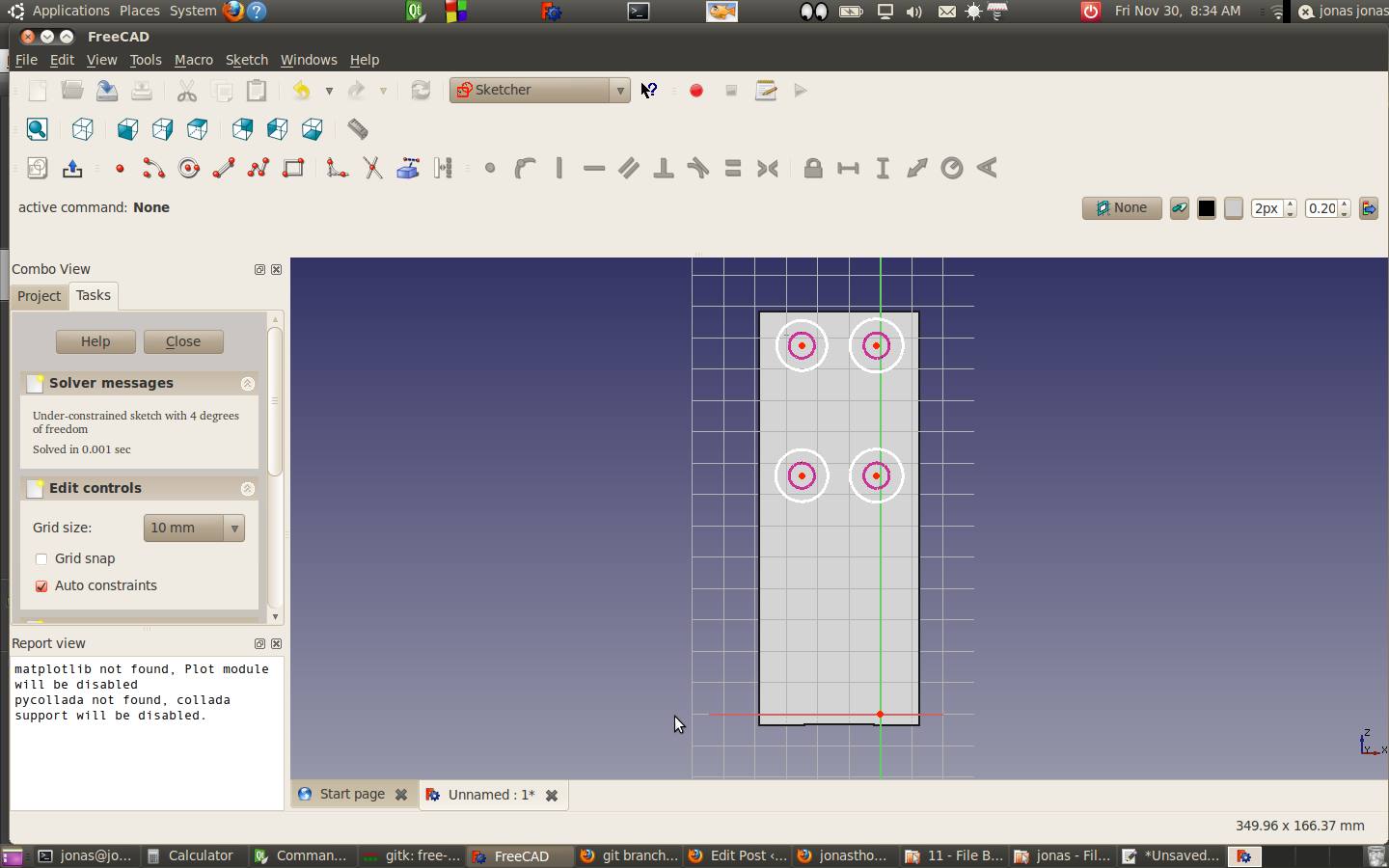
  4. Create concentric constraints to align  center sketch circles to align to the external geometry (Works fine)
  5. Delete the concentric constraints (Works Fine)
  6. Delete SherlineSupportColumn (Works Fine)
  7. Double Click on the sketch (Works Fine)
  8. Attempt to create a lock constraint on lower left hand corner.  Lock constraint flashes and disappears. (no constraint appears in the list)
  9. Attempt to create a length constraint on the lower to center points of circles results in a segmentation fault

Posted in Uncategorized | Leave a comment

Sherline Column Base

Just got the base done.   I was going to model the threaded holes on the base but I don’t really need to.   I’ll probably do that with the lead screws..
Moving right along hear.


Posted in Uncategorized | Leave a comment

Modeling the Sherline Table.

Ok.. Now this is starting to get interesting.  I  got my Sherline table modelled.   The next step is the Z-Axis support column.  I was looking at my raw material inventory and I have a 4″X2 1/2 log of aluminium on hand.

I’m able to mount the Sherline saddle in my  Ammco shaper.  The vise jaws open wide enough and there seems to be plenty of clearance.   I’m thinking that I probably could use the existing saddle as a template to cut the dovetails on a thicker saddle.

Of course if increased the saddle thickness, I probably need to machine a another column support.

If I go with a coarse pitch ball screw, I loose some step resolution, and motors will use more torque to move the table and saddle.  Oth ball screws are much more efficient.  Something to work out.

Posted in Sherline, Uncategorized | Leave a comment

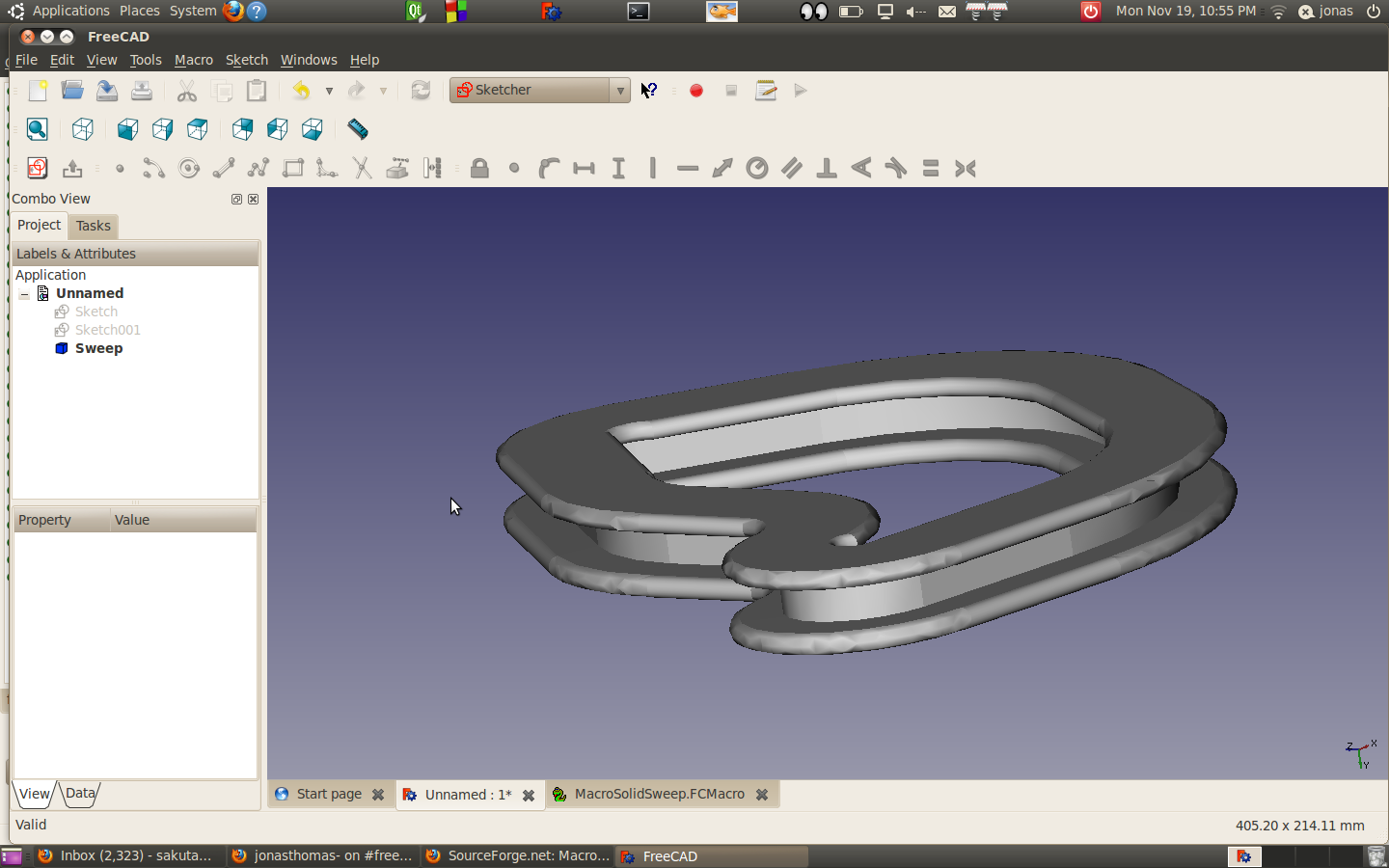
First attempts at the Macro Solid Sweep

I was just having a little fun with my first attempt at a sweep.

http://sourceforge.net/apps/mediawiki/free-cad/index.php?title=Macro_Solid_Sweep

I pulled the macro over,  Create a  shape and a  path, selected the sketch elements and executed  the macro… (Order in selection is important, when you select the sketches)  This was really easy to do.

Posted in Uncategorized | Leave a comment

More Progress on the modeling the Sherline.

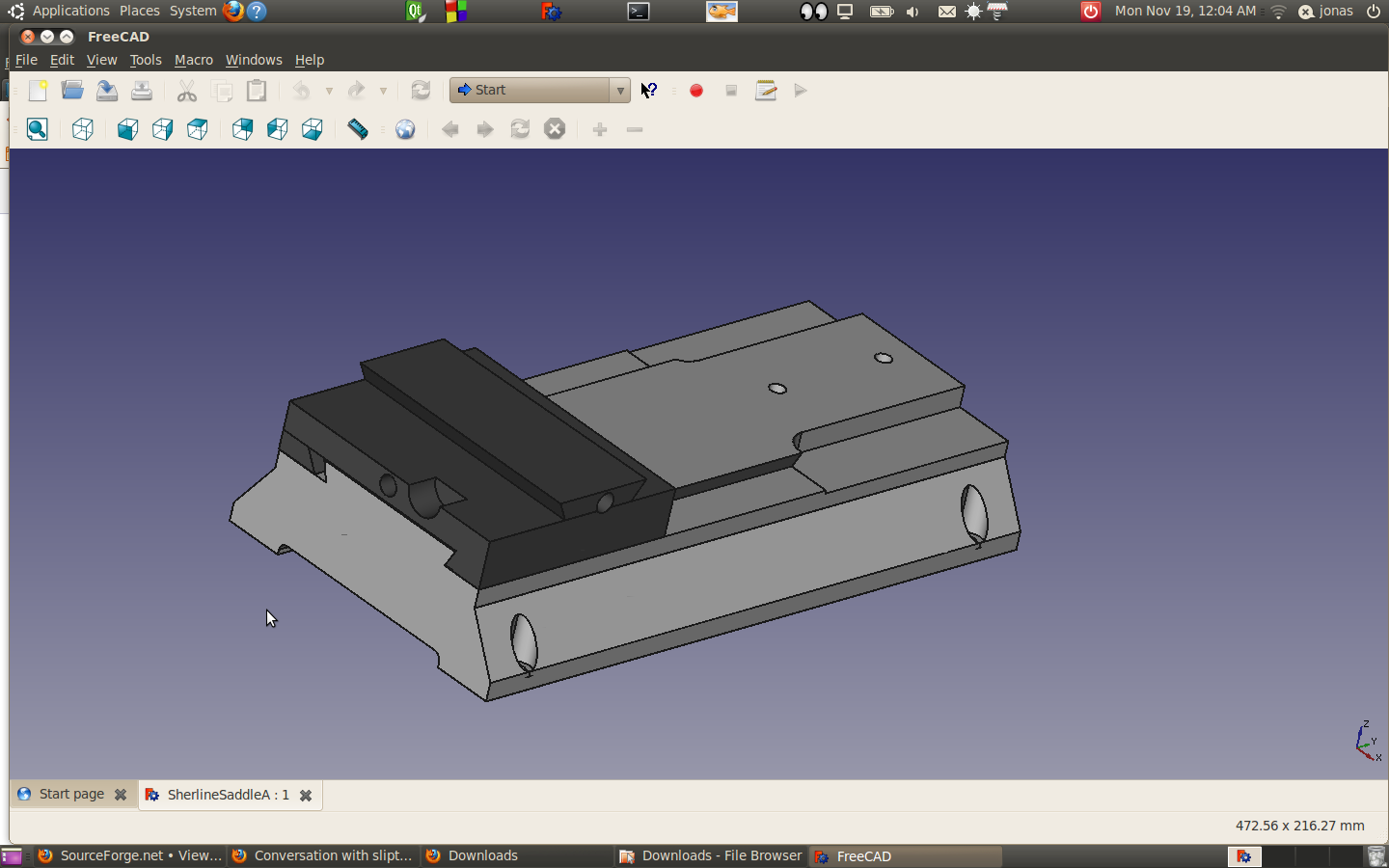
After a bit of screwing around I managed to get the saddle modeled without having it fused to the base.  I’m actually fairly pleased with the result.  There are a bunch of threaded set screw holes that I haven’t modelled yet, but for what I’m looking to do, this is probably good enough.

One of the things that I’m thinking about is seeing if can modify the 1/4 thread with some other arrangement.

I thought it would be cool attempt to model a ball screw and nut.  I did a bit of googling and I think what i need is the macro sweep. Here are :

http://sourceforge.net/apps/mediawiki/free-cad/index.php?title=Macro_Solid_Sweep

Which took me to here and this is where I wound up.   It looks like I’ll need to do a bit of freecad scripting.

I was trying to figure out what the ball screw thread form looks like.  I ran into some interesting reading here:

Posted in Uncategorized | 1 Comment

Not sure this is correct.

I created a sketch with link external edges.  I padded the sketch and the object that it was linked to came along for the ride. I’m not sure is correct behavior.

Posted in Uncategorized | Leave a comment